
If your business is already listed on Google Business Profile, you’ve taken the first step toward local visibility. But simply claiming your profile is not enough.
Most businesses in Washington DC, Maryland, and Northern Virginia set up their profile once and never return to optimize it again. Meanwhile, competitors who actively manage their profiles are capturing more calls, more direction requests, and more website clicks every single day.
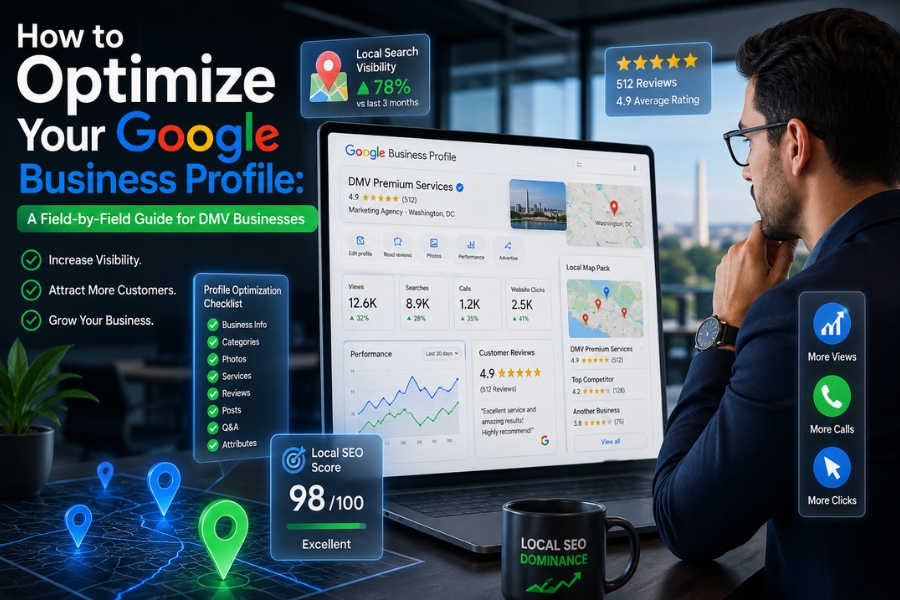
Your Google Business Profile (GBP) is not just a listing — it is your most powerful free local SEO asset. When optimized correctly, it directly influences your visibility in the Google Map Pack, local search rankings, and even branded searches.
This guide breaks down every major field inside GBP so you can turn an underused listing into a lead-generating machine.
Why Your Google Business Profile Is Your Most Valuable Local SEO Asset
Your GBP controls how your business appears across Google Search and Google Maps. It determines whether you show up when someone searches:
- “marketing agency near me”
- “plumber in Northern Virginia”
- “best med spa in DC”
- “law firm Maryland”
The most important placement is the Google Map Pack — the top three local business listings that appear above organic search results. These listings receive the majority of local clicks.
For DMV businesses, this is especially powerful because:
- High competition in dense metro areas
- Mobile-first local searches dominate
- Users often call directly from search results
- Trust is heavily influenced by reviews and visibility
A fully optimized GBP can outperform even a well-designed website when it comes to generating local leads.
Business Name Optimization (Without Violating Guidelines)
Your business name should always match your real-world branding. Do not add extra keywords like city names or services.
✔ Correct:
✘ Incorrect:
- Pixel This Marketing DC SEO Agency PPC Services
Google may suspend or filter listings that violate naming guidelines.
Your goal is consistency across:
- Website
- Social media
- Directory listings
- Google Business Profile
Business Description: Your 750-Character Sales Pitch
Most businesses either ignore this section or underuse it.
Your description should clearly explain:
- What you do
- Who you serve
- Where you operate
- What makes you different
Example Optimized Description:
Pixel This Marketing is a digital marketing agency serving businesses across Washington DC, Northern Virginia, and Maryland. We specialize in SEO, Google Ads, PPC advertising, website design, and local lead generation strategies that help service-based businesses grow.
We focus on data-driven marketing strategies that increase visibility in Google Search and Google Maps, helping clients generate consistent leads and measurable ROI.
Do not stuff keywords. Keep it natural, clear, and locally relevant.
Services Section: One of the Most Underused Ranking Signals
The Services tab is where most businesses lose visibility opportunities.
Instead of listing one general category, break your offerings into specific services.
Example for a marketing agency:
- Search Engine Optimization (SEO)
- Google Ads Management
- PPC Campaign Management
- Local SEO Optimization
- Website Design and Development
- Social Media Advertising
Each service increases your chances of appearing in relevant searches. This section directly improves your semantic relevance in local rankings.
Categories: The Most Important Ranking Factor
Your primary category is one of the strongest ranking signals in GBP.
Choose carefully.
Example:
- Digital Marketing Agency
- Personal Injury Attorney
- Med Spa
- HVAC Contractor
Your secondary categories expand reach:
- SEO Agency
- Advertising Agency
- Marketing Consultant
You can select up to 10 categories total, but your primary category carries the most weight.
A strong category strategy can significantly improve Map Pack visibility.
Attributes: Small Detail, Big Impact
Attributes help Google match your business to user preferences.
Examples include:
- Women-owned
- Veteran-owned
- Wheelchair accessible
- Online appointments
- Free consultations
These may seem minor, but they improve filtering visibility and can influence user decision-making.
Hours & Special Hours: Conversion Critical
Incorrect hours are one of the fastest ways to lose customers.
Always ensure:
- Regular hours are accurate
- Holiday hours are updated
- Temporary closures are reflected immediately
Google often prompts updates during holidays — ignoring these updates can hurt trust signals.
Photos: Trust and Engagement Signals
Photos are not optional — they are ranking and conversion signals.
Must-upload photo types:
- Exterior storefront
- Interior workspace
- Team photos
- Real work examples
- Before/after results
Best practices:
- Upload at least 10 initial photos
- Add new photos twice per month
- Avoid stock images
- Use real, recent visuals
Businesses with consistent photo updates often see higher engagement rates in Maps.
Google Posts: Weekly Engagement Engine
Google Posts act like mini social media updates inside your GBP.
High-performing post types:
- Promotions
- Service highlights
- Case studies
- Seasonal offers
- Local community involvement
Posting once per week is ideal.
This signals to Google that your business is active, which can improve visibility over time.
Reviews: The Ultimate Ranking and Trust Factor
Reviews influence both ranking and conversion rates.
How to generate more reviews:
- Ask immediately after service completion
- Send direct review link
- Use QR codes on invoices or receipts
- Train staff to request feedback consistently
Responding to reviews:
- Respond to all reviews
- Reply within 24–48 hours
- Stay professional with negative feedback
- Personalize responses when possible
More reviews + better responses = stronger local authority.
Google Business Profile Insights: What to Track
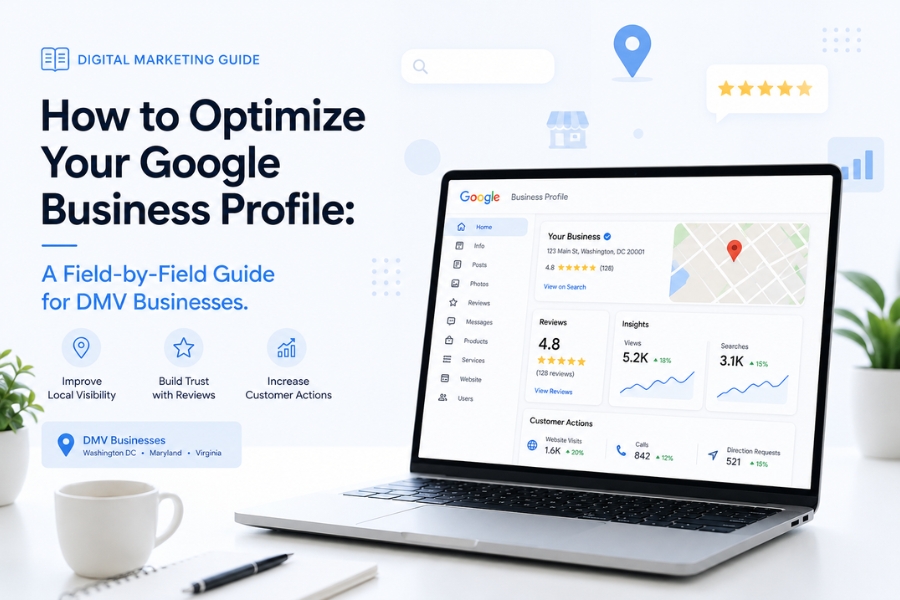
Your GBP analytics show how customers interact with your listing.
Key metrics:
- Search queries used
- Calls and direction requests
- Website clicks
- Photo engagement
If impressions are high but clicks are low, your profile needs better photos or reviews.
If discovery searches are low, your categories and services need improvement.
Common GBP Mistakes That Hurt Rankings
Avoid these critical errors:
- Keyword stuffing in business name
- Ignoring service sections
- Not posting regularly
- Using outdated photos
- Inconsistent NAP (Name, Address, Phone)
- Failing to respond to reviews
Even small mistakes can significantly reduce visibility in competitive DMV markets.
Final Optimization Strategy Summary
To fully optimize your Google Business Profile:
- Choose the right category structure
- Complete every field accurately
- Post weekly updates
- Add fresh photos regularly
- Build a review generation system
- Monitor insights monthly
Consistency is what separates top-ranking businesses from invisible ones.
Conclusion: Your GBP Should Be Your Strongest Lead Generator
Your Google Business Profile is not a “set it and forget it” tool — it is a living marketing asset.
For businesses in Washington DC, Maryland, and Northern Virginia, GBP often drives more qualified leads than paid ads when properly optimized.
If your profile is incomplete or inactive, you are leaving money on the table every single day.
At Pixel This Marketing, we specialize in GBP optimization, local SEO strategy, and Google Maps ranking systems that help service businesses dominate their local market.
Contact Us
If you want expert help optimizing your Google Business Profile or improving your local SEO performance, get in touch with us today:
📍 Serving: Washington DC | Northern Virginia | Maryland
📧 Email:contact@pixelthismarketing.com
🌐 Website: https://pixelthismarketing.com
Follow us on Facebook, Instagram, and Google Business Profile to stay updated with the latest marketing tips, insights, and success stories.
Let’s turn your Google Business Profile into a consistent lead-generation system.
FAQs: Google Business Profile Optimization
1. How often should I update my Google Business Profile?
You should review your profile monthly, update hours immediately when changes occur, post weekly updates, and upload new photos at least twice per month.
2. Does adding keywords to my GBP help ranking?
Yes, but only when used naturally. Keyword stuffing in your business name or description can harm rankings. Focus on relevance, not repetition.
3. Why is my business not showing in the Google Map Pack?
Common reasons include:
- Weak category selection
- Few or no reviews
- Incomplete profile fields
- Low engagement (photos/posts)
- High competition in your area
4. How important are reviews for Google Business Profile rankings?
Reviews are one of the top ranking factors. They influence both visibility in Maps and user trust. Businesses with more high-quality, recent reviews consistently outperform competitors.


