
If your business depends on local customers, your Google Business Profile (GBP) is one of the most important digital assets you own. In 2026, local search is more competitive than ever, and businesses that fully optimize their profiles are consistently getting more calls, website visits, bookings, and foot traffic than competitors with incomplete listings.
Whether you run a restaurant, law firm, dental clinic, home service company, retail store, or digital marketing agency, your Google Business Profile directly impacts how customers discover and trust your business online.
This guide will walk you through exactly how to optimize your Google Business Profile in 2026 so you can improve local rankings, appear more often in Google Maps, and convert searchers into paying customers.
What Is a Google Business Profile?
A Google Business Profile (formerly Google My Business) is the free business listing that appears in Google Search and Google Maps when users search for businesses, products, or services nearby.
For example, when someone searches:
- “best coffee shop near me”
- “SEO agency in Maryland”
- “emergency plumber in DC”
- “web designer in Virginia”
Google displays local business listings before most organic search results. These listings include:
- Business name
- Reviews
- Photos
- Phone number
- Website
- Business hours
- Directions
- Services
- Questions & answers
- Updates and posts
Your Google Business Profile is often the first impression potential customers have of your business.
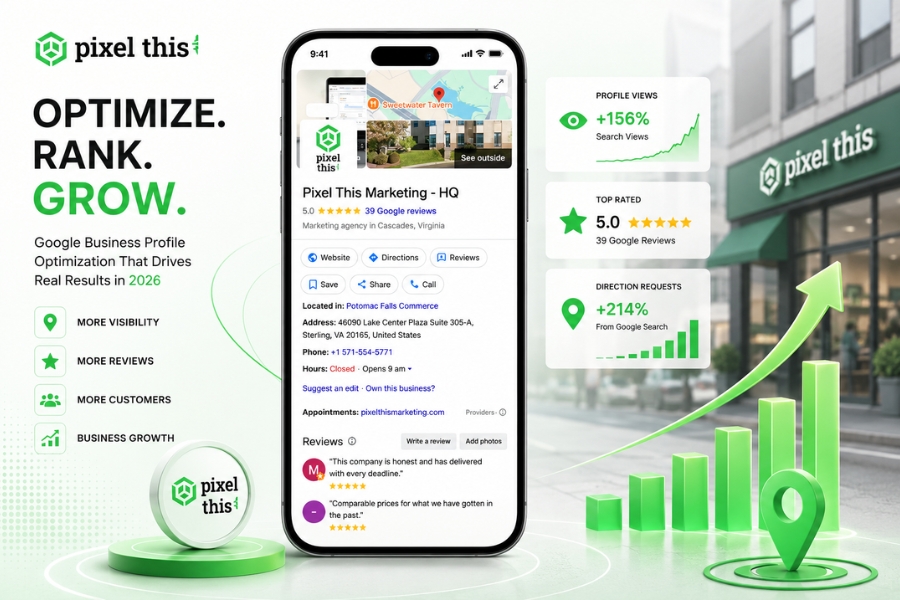
Why Google Business Profile Matters in 2026
Local SEO has evolved significantly over the last few years. Google now prioritizes businesses that demonstrate:
- Accuracy
- Consistency
- Activity
- Trustworthiness
- Engagement
- Fresh content
A well-optimized profile can help you:
Increase Local Search Visibility
Your profile helps you rank in the “Local Pack” — the map listings shown above normal search results.
Get More Calls and Leads
Customers can call, message, book, or navigate directly from your listing.
Build Trust Through Reviews
Positive reviews heavily influence buying decisions and local rankings.
Improve Mobile Search Performance
Most local searches now happen on mobile devices, and Google Maps visibility is critical.
Compete Against Larger Businesses
Even small businesses can outrank bigger competitors locally with proper optimization.
Step 1: Claim and Verify Your Google Business Profile
The first step is claiming ownership of your business listing.
Go to Google Business Profile and search for your business name. If a listing already exists, claim it. If not, create a new listing.
Verification Methods in 2026
Google may verify businesses through:
- Postcard verification
- Phone verification
- Email verification
- Video verification
- Live video call
- Search Console verification
Verification is essential because unverified businesses have limited visibility and management capabilities.
Important Tips
- Use your real legal business name
- Avoid adding extra keywords
- Make sure your address is accurate
- Use a business email tied to your domain if possible
Keyword stuffing your business name may temporarily improve rankings, but it violates Google guidelines and can result in suspension.
Step 2: Choose the Right Business Categories
Your primary category is one of the strongest local ranking factors.
How to Choose Your Primary Category
Select the most accurate and specific category for your core service.
Examples:
- “Digital Marketing Agency”
- “Personal Injury Attorney”
- “HVAC Contractor”
- “Dental Clinic”
- “Coffee Shop”
Avoid choosing broad or unrelated categories just to gain visibility.
Add Secondary Categories
Secondary categories help Google better understand your services.
For example, a marketing agency might also include:
- SEO Service
- Website Designer
- Advertising Agency
- Marketing Consultant
Choose only categories directly related to your services.
Step 3: Write an SEO-Optimized Business Description
Your business description should explain:
- What you do
- Who you serve
- Where you operate
- What makes your business unique
Google allows up to 750 characters, but the first 250 characters are the most important.
Tips for Writing a Great GBP Description
Include Local Keywords Naturally
Mention your primary services and service areas naturally.
Example:
“Pixel This Marketing helps small businesses across Washington DC, Maryland, and Virginia grow through SEO, Google Ads, social media marketing, and custom web design.”
Focus on Benefits
Customers care about outcomes, not just services.
Instead of:
“We provide digital marketing services.”
Try:
“We help local businesses generate more leads, improve visibility, and increase revenue through data-driven digital marketing.”
Avoid Spammy Language
Do not:
- Stuff keywords repeatedly
- Use all caps
- Add promotional offers
- Include URLs
Step 4: Complete Every Section of Your Profile
Many businesses leave sections incomplete, which weakens trust and rankings.
Complete every available field, including:
- Business name
- Address
- Phone number
- Website
- Hours
- Services
- Products
- Attributes
- Appointment links
- FAQs
- Social profiles
- Opening date
The more complete your profile is, the better Google understands your business.
Step 5: Keep Your NAP Information Consistent
NAP stands for:
- Name
- Address
- Phone Number
Consistency across the internet is critical for local SEO.
Your information should match exactly across:
- Your website
- GBP listing
- Yelp
- Bing Places
- Local directories
Even small inconsistencies can confuse Google and hurt rankings.
Example of inconsistency:
- “Suite #2” vs “Ste 2”
- “Street” vs “St.”
- Different phone numbers
Consistency builds trust with search engines.
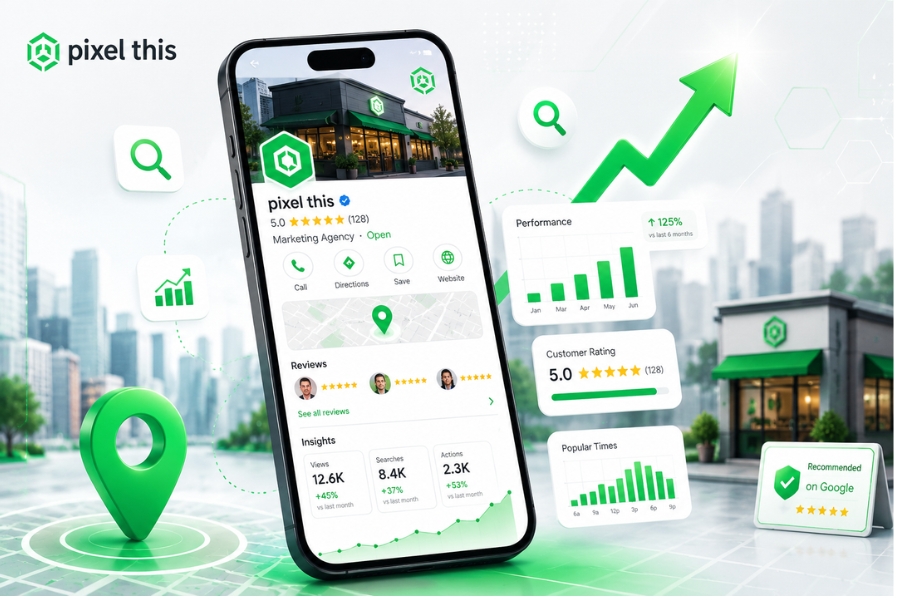
Step 6: Upload High-Quality Photos Regularly
Photos significantly impact user engagement.
Businesses with quality photos receive more:
- Calls
- Clicks
- Direction requests
- Website visits
Types of Photos to Upload
Exterior Photos
Help customers recognize your location.
Interior Photos
Show your atmosphere and professionalism.
Team Photos
Humanize your brand and build trust.
Product or Service Photos
Highlight what customers can expect.
Before-and-After Images
Especially effective for:
- Contractors
- Landscapers
- Designers
- Renovation companies
- Cleaning businesses
Image Optimization Tips
- Use clear, high-resolution images
- Avoid stock photos when possible
- Add new images monthly
- Use natural lighting
- Geotagging is optional but not essential
Businesses that regularly update photos often perform better in local search.
Step 7: Get More Google Reviews
Reviews are one of the strongest local ranking and trust factors.
In 2026, customers rely heavily on reviews before making decisions.
How to Get More Reviews
Ask customers immediately after a positive interaction.
You can request reviews through:
- SMS
- QR codes
- Follow-up messages
- Receipts
- Thank-you pages
Make the process easy by sharing your direct review link.
Best Practices
Ask Consistently
Review generation should be part of your workflow.
Never Buy Fake Reviews
Google aggressively removes fake reviews and may suspend listings.
Encourage Detailed Reviews
Detailed reviews with service-related keywords help rankings.
Example:
“Pixel This Marketing helped improve our SEO rankings and generate more leads.”
Step 8: Respond to Every Review
Replying to reviews shows customers and Google that your business is active and trustworthy.
How to Respond to Positive Reviews
- Thank the customer by name
- Mention the service provided
- Keep responses genuine
Example:
“Thanks, Sarah! We’re glad our local SEO strategy helped your business increase website traffic and leads.”
How to Handle Negative Reviews
- Stay calm and professional
- Acknowledge the issue
- Offer to resolve offline
- Never argue publicly
Professional responses can actually improve customer trust.
Step 9: Publish Google Posts Weekly
Google Posts function like mini social media updates directly on your profile.
Businesses that post consistently often see stronger engagement.
What to Post
Promotions
Special discounts or seasonal offers.
Blog Articles
Share educational content from your website.
Events
Workshops, webinars, or community events.
New Services
Announce new offerings or locations.
Company Updates
Team expansions, awards, or milestones.
Posting Frequency
Aim for at least one post per week.
Consistency signals activity and relevance to Google.
Step 10: Add Products and Services
The Products and Services sections help Google understand your offerings in more detail.
Services Section
Include:
- Service names
- Descriptions
- Pricing (optional)
Use natural keywords.
Example:
“Local SEO services for small businesses in Washington DC.”
Products Section
Even service-based businesses can benefit from adding products or packages.
Examples:
- SEO Audit Package
- Website Design Package
- PPC Management Package
This creates additional keyword relevance.
Step 11: Optimize the Q&A Section
The Questions & Answers section is often overlooked but extremely valuable.
Anyone can ask or answer questions on your listing.
Best Practices
Monitor Questions Regularly
Respond quickly to prevent incorrect information.
Add Your Own FAQs
You can proactively ask and answer common customer questions.
Examples:
- “Do you offer free consultations?”
- “What areas do you serve?”
- “How quickly can you start?”
This improves customer experience and keyword relevance.
Step 12: Enable Messaging and Booking Features
Google now offers enhanced customer interaction features directly through GBP.
If applicable, enable:
- Messaging
- Appointment booking
- Quote requests
- Call tracking
Faster response times improve conversions and customer satisfaction.
Step 13: Monitor GBP Insights and Analytics
Google Business Profile Insights helps you understand how customers interact with your listing.
Key Metrics to Track
Search Queries
See what keywords customers used to find you.
Website Clicks
Track how many users visit your site.
Calls
Measure phone leads generated through GBP.
Direction Requests
Important for local storefronts.
Photo Views
Compare your photo engagement against competitors.
Use this data to refine your local SEO strategy.
Step 14: Build Local SEO Signals Beyond GBP
Your Google Business Profile works best when supported by broader local SEO efforts.
Important Supporting Factors
Create pages targeting specific cities or services.
Local Backlinks
Earn links from:
- Local blogs
- Chambers of commerce
- Local news websites
- Community organizations
Citations
List your business on trusted directories.
Website Optimization
Your website should:
- Be mobile-friendly
- Load quickly
- Include local keywords
- Have strong on-page SEO
GBP optimization alone is not enough in competitive markets.
Common Google Business Profile Mistakes to Avoid
Keyword Stuffing Business Names
This can lead to suspension.
Using Low-Quality Photos
Blurry images hurt trust and engagement.
Ignoring Reviews
Unanswered reviews damage credibility.
Inconsistent Contact Information
Confuses both users and Google.
Infrequent Updates
Inactive profiles tend to lose visibility.
Choosing Incorrect Categories
Weakens local relevance.
Future Trends for Google Business Profile in 2026
Google continues integrating AI and user engagement signals into local search.
Emerging Trends
AI-Powered Recommendations
Google increasingly personalizes local results.
Visual Search Growth
Photos and videos are becoming more influential.
Voice Search Optimization
People increasingly search through voice assistants.
User Engagement Signals
Clicks, calls, messages, and interactions influence rankings more heavily.
Businesses that consistently update and optimize their profiles will maintain a competitive advantage.
Final Thoughts
Your Google Business Profile is no longer optional — it is a critical part of your local marketing strategy.
A fully optimized profile can dramatically improve:
- Local visibility
- Customer trust
- Website traffic
- Phone calls
- Leads
- Sales
The businesses winning local search in 2026 are the ones actively managing their profiles, collecting reviews, publishing updates, and delivering strong customer experiences.
If your profile has been neglected, now is the time to fix it.
Need Help Optimizing Your Google Business Profile?
At Pixel This Marketing, we help businesses across DC, Maryland, and Virginia improve their local visibility through advanced Google Business Profile optimization, local SEO, website design, and digital marketing strategies.
Whether you need help ranking higher in Google Maps, generating more reviews, or building a complete local SEO strategy, our team can help.
Contact us today for a free local SEO audit and discover how to turn your Google Business Profile into a lead-generating machine.
Follow us on Facebook, Instagram, and Google Business Profile to stay updated with the latest marketing tips, insights, and success stories.
Frequently Asked Questions (FAQs)
Q: How long does it take to rank higher on Google Business Profile?
Most businesses start seeing improvements within a few weeks to a few months, depending on competition, review activity, optimization quality, and local SEO strength.
Q. How many Google reviews do I need?
There’s no exact number, but businesses with frequent, high-quality reviews generally perform better. Focus on consistent review growth rather than chasing a specific number.
Q. Can I use keywords in my business name?
Only if they are part of your real-world business name. Adding extra keywords violates Google’s guidelines and may result in suspension.
Q. How often should I update my Google Business Profile?
You should update your profile regularly by:
- Posting weekly updates
- Adding new photos monthly
- Responding to reviews daily
- Updating hours immediately when changes occur


